AiRA Careers, in your pocket.
Your applications and every Recruiter reply, on your phone the moment something moves. Free, like the website.
- Version
- 1.0.3
- Size
- 67 MB
- Updated
- 10 Oct 2026
- Needs
- Android 8+
On a computer? Point your phone’s camera here to open this page on it, then tap Download.
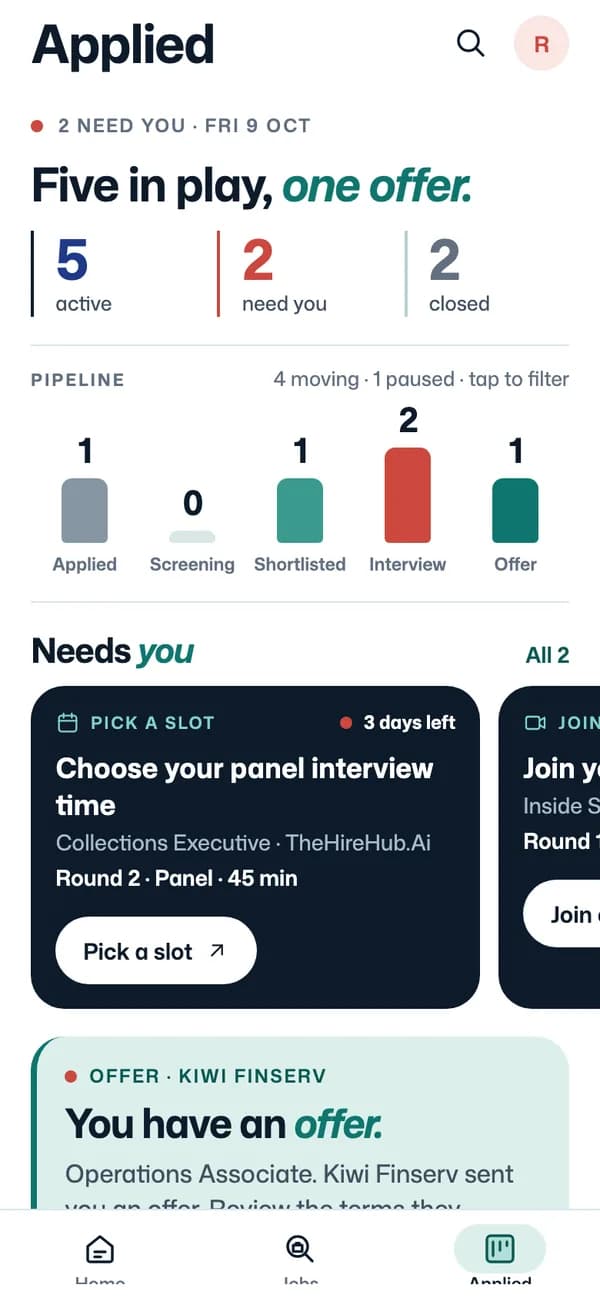
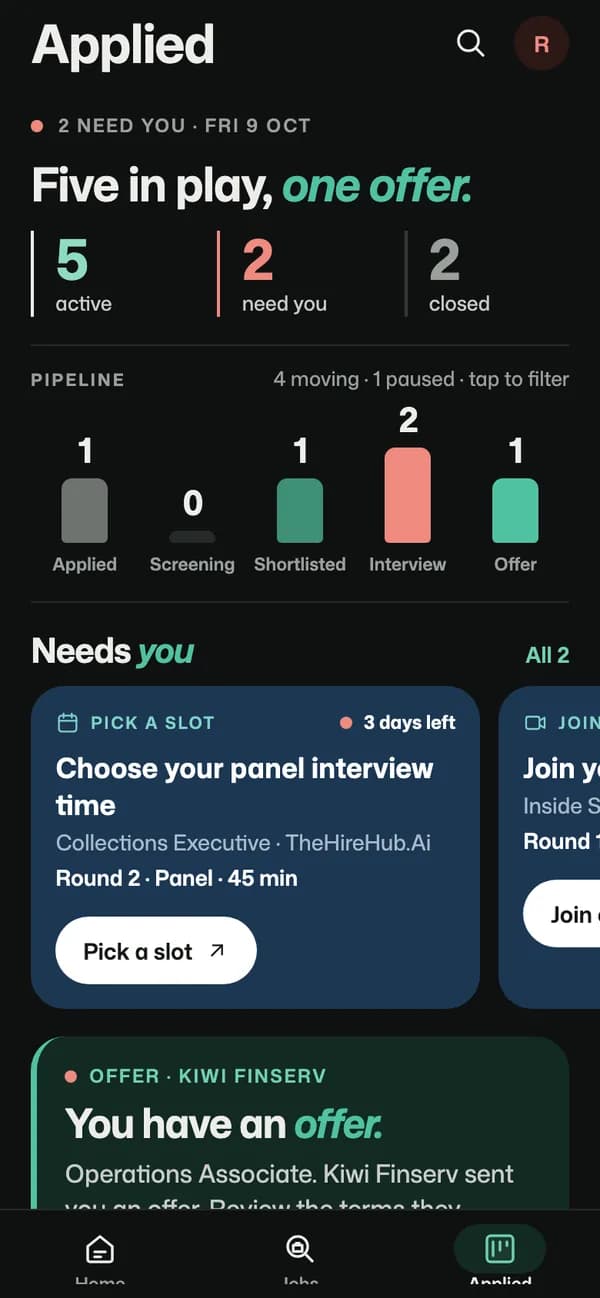
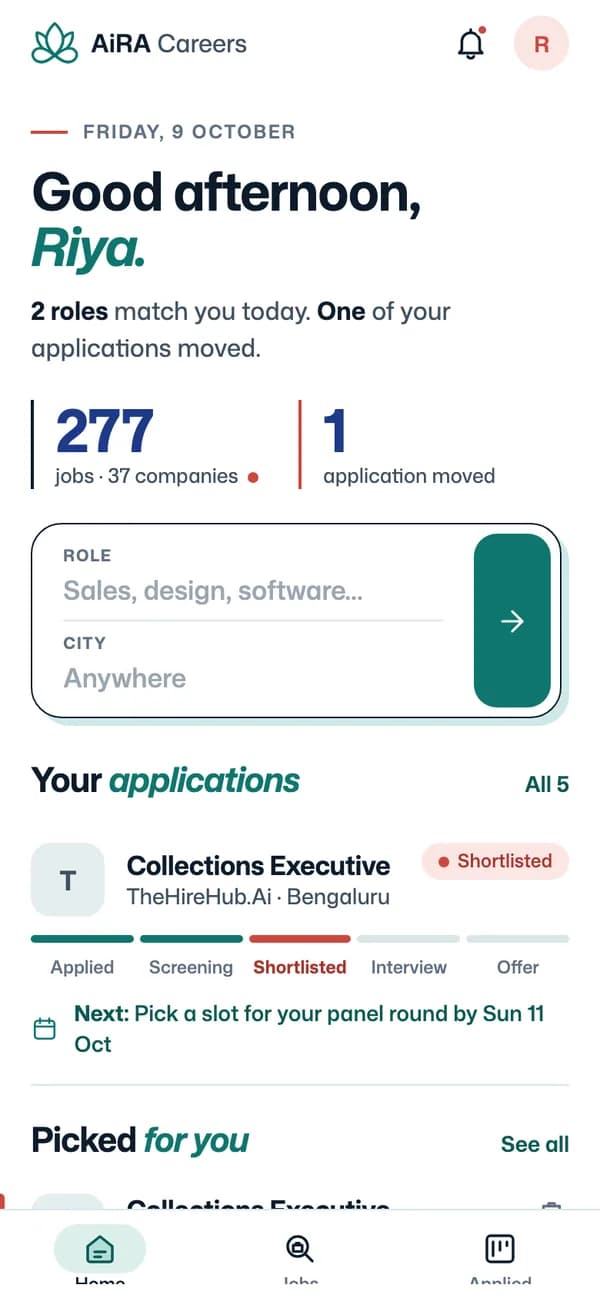
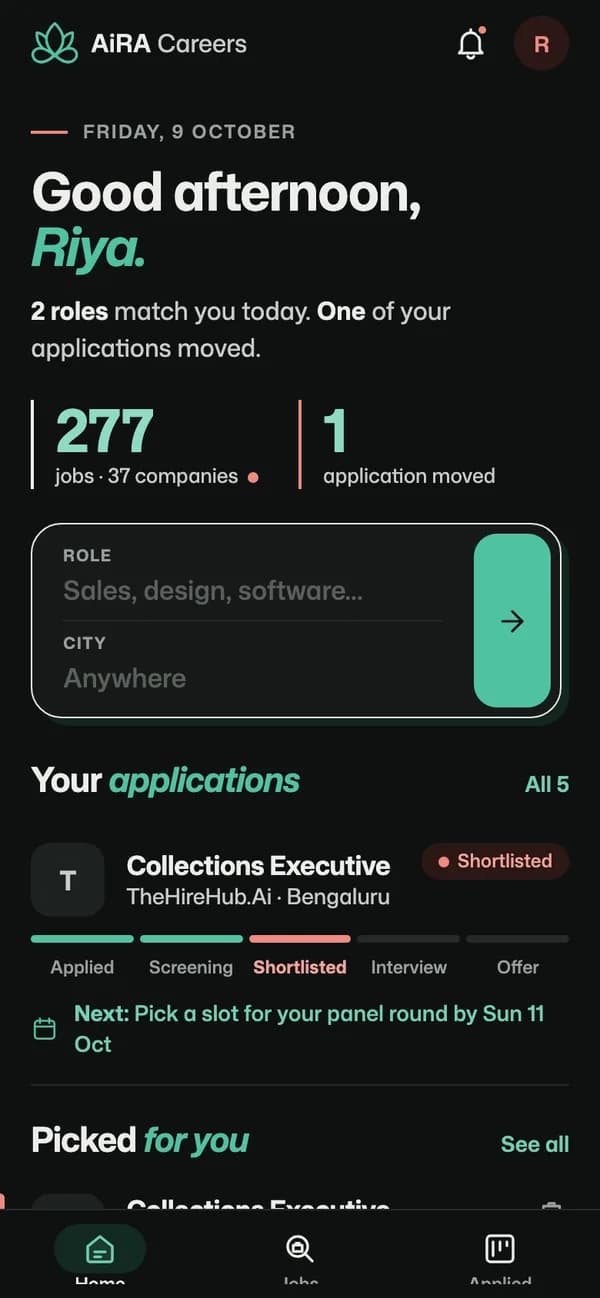
Install
Installed in a minute.
Download the file
Tap Download for Android. Your browser saves the app file to Downloads; if it asks whether to keep it, tap Download anyway.
Allow your browser to install it
Android asks once, because the app is not from Google Play yet. Tap Settings on the prompt and turn on Allow from this source (Settings, Apps, Chrome, Install unknown apps).
Open it and tap Install
Open the file from the notification or from Files, tap Install, then sign in with your airacareers.ai email.
Android warns about any app from outside Google Play. This file comes straight from airacareers.ai.
In the app
Your job hunt, one tap away.
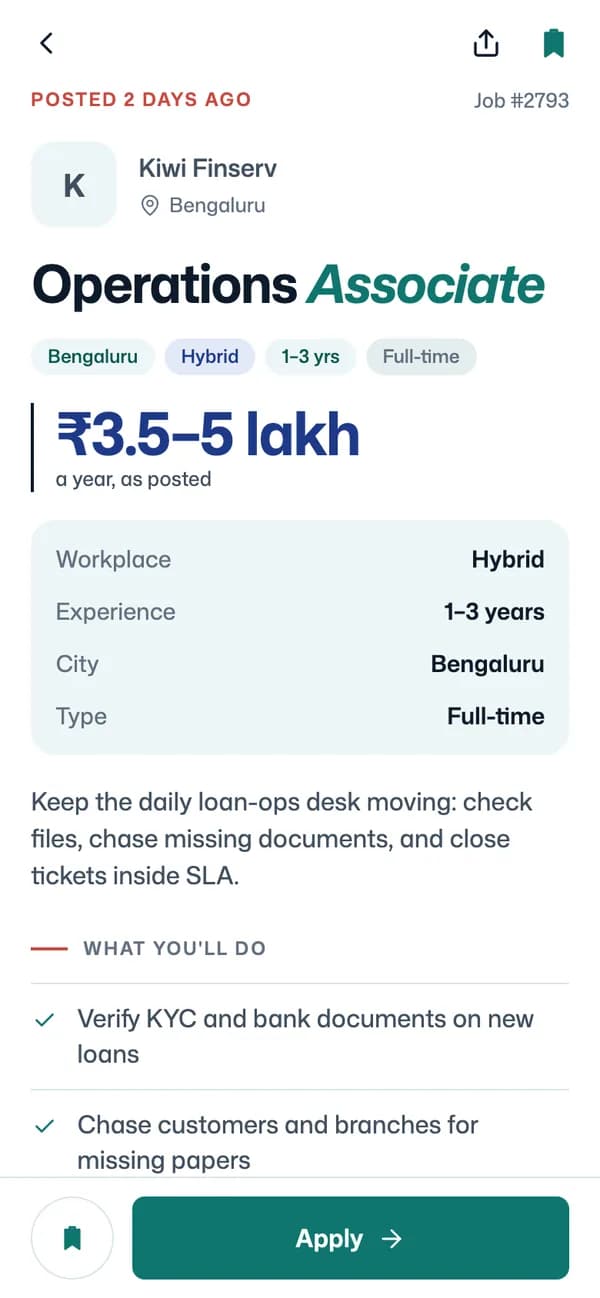
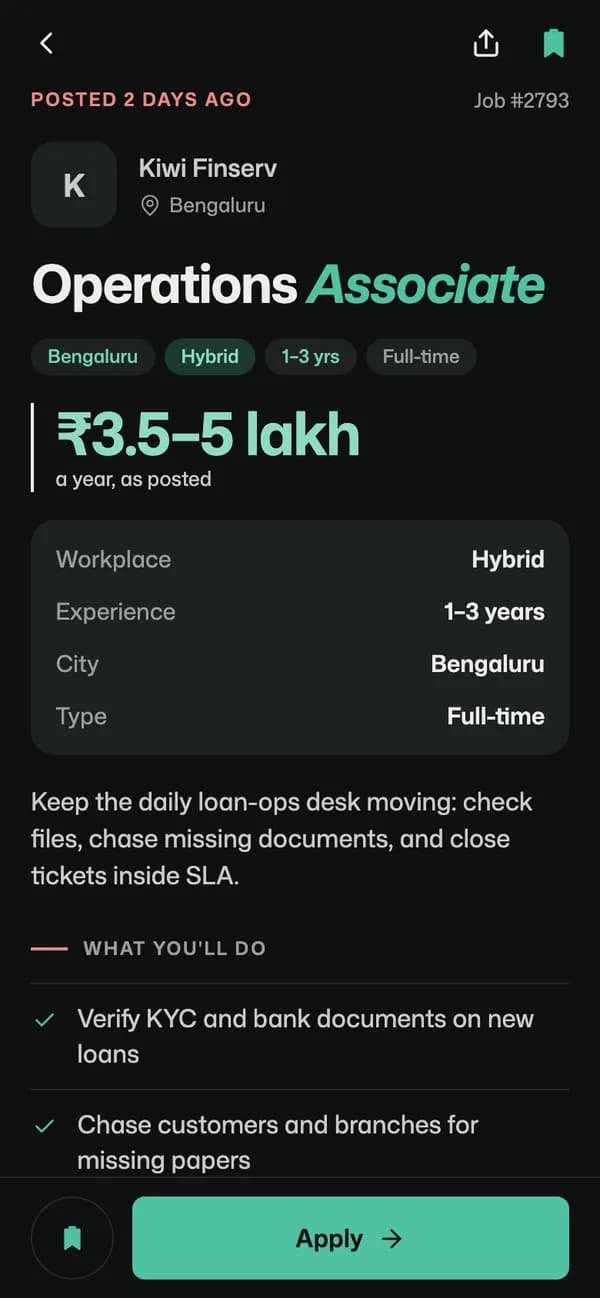
Every application at its real stage
Applied, Screening, Shortlisted, Interview, Offer: the stage your Recruiter sets, not “in review” forever.
A notification when a Recruiter replies
Replies, interview slots and stage changes reach you as push notifications, so you answer the same day.
Jobs picked for you
New roles for your target job and city, each with the reason it fits your experience.
Opens without a signal
Home, Jobs and your applications load from the phone for a day after you were last online.
The same account as the website
Sign in with your airacareers.ai email. Saved jobs, alerts and applications are already there.
On an iPhone? iOS is coming next.
Until then, airacareers.ai works in Safari with the same account. Add it to your Home Screen and it opens like an app.
Browse jobs on the webGoogle Play: coming soon
This test build is the same app the store will carry. When the listing is live, this page links to it.